
Why Does Our Internet Keep Dropping Out? What to Check Before You Call Anyone
Why Does Our Internet Keep Dropping Out? What to Check Before You Call Anyone
Published by Infinit 16th October 2026 | Reading time: 3 minutes
Nothing Slows a working day like an internet connection that keeps cutting in a nd out. Calls freeze, files won’t save, and the card machine goes quiet right when there’s a queue.
The good news is that dropouts often have a simple cause, and a few quick checks can tell you a lot. Here’s what to look at before you pick up the phone.
First, work out how big the problem is
Ask yourself whether it’s one device or everything. If only one laptop is struggling the problem is probably that laptop, not you internet. If every device in the building drop at once, the cause is further up the line, in your touter, your cabling or your connection itself.
Also notice when it happens. A dropout at the same time every day, such a mid-morning or when the whole team is on video calls, points to a network that’s overloaded, not broken.
Then check the usual suspects
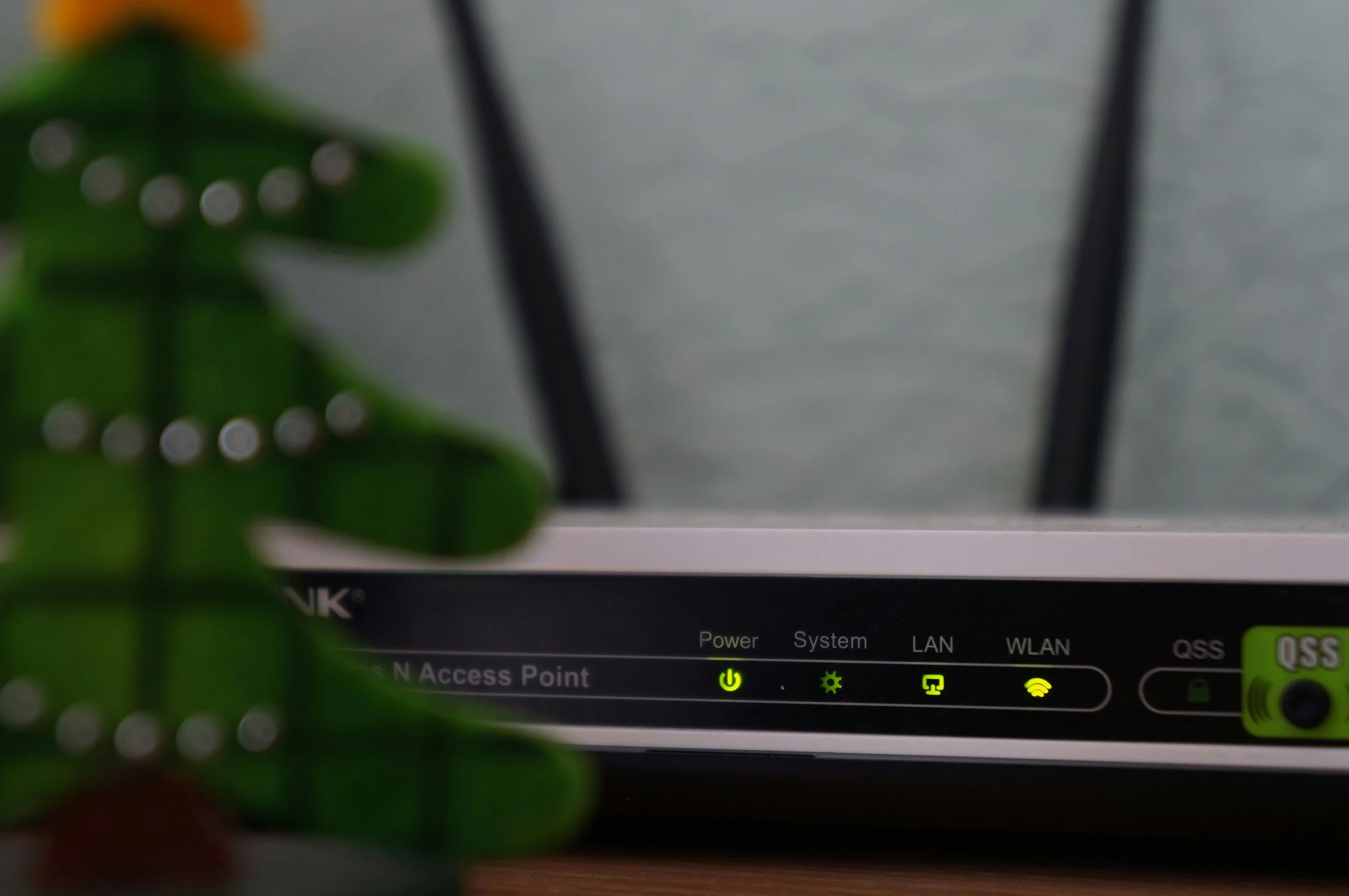
Most business internet problems come down to a handful of causes:
WifiCoverage. A signal that’s fine near the router but patchy in the back office is one of the most common culprits. Try plugging a device in with a cable. If the cable connection is steady and the Wi-Fi isn’t, the problem is coverage, not your internet.
An old or overworked router. Equipment that was fine for five staff can struggle with fifteen. If your router is several years old and running hot, it may simply be past it’s best.
Loose or damaged cables. A worn cable or a loose connector can cause on-and-off dropouts that are maddening to track down.
Your connection itself. Check your provider’s outage page, and ask a neighbouring business whether they’re having the same trouble. If they are, it’s not something you can fix on your side.
Too many things using it at once. Backups, software updates adn video calls all running together can crowd out everything else.
In short find our whether it’s one device or everything, when it happens, and whether a cable fixes what Wi-Fi doesn’t.
When it’s time to get someone in
A restart is always worth trying, but if the same problem keeps coming back, it’s usually a sign of something underneath that a restart is only hiding. Repeated dropouts, problems that get worse over time, or an issue you can’t pin down are all good reasons to have someone look at the whole setup, not just patch the symptom.
Before you call, jot down what you’ve noticed: which devices, what time of day, and what you’ve already tried. That small bit of detail can save a lot of time and get you to the real cause faster.